
Permission dialogs speak fluent bureaucracy and no human, which is why reasonable people find them sinister. For a panel utility the translation is straightforward — every request corresponds to a capability you can point at — and this guide performs it for Dark Aura permissions: overlay, storage, background life. It closes with where your phone keeps the master ledger for review or revocation.
The interpretive rule that governs everything below: ask not why an app presumes to ask, but whether the capability names something the app visibly does for you.
Draw Over Other Apps
The signature grant of any panel tool: presenting controls while the game occupies the display. Overlay permission is that feature described from the operating system's side of the glass — revoke it, and there is constitutionally nothing left to show over gameplay.
Grant it with corresponding thoughtfulness. An overlay hovers above everything a phone displays, so its holders should be apps installed deliberately for that purpose, and the holder list in Android's special-access settings deserves an occasional two-minute audit — a habit with whole-phone dividends.
Storage, for Persistence
Configurations that survive restarts must be written somewhere; scoped storage access is that somewhere — in contemporary Android, ordinarily the app's own files and nothing grander. It is the mundane difference between a setup that persists and one that evaporates nightly.
If any build ever demands file reach comically beyond its features, read the demand as intelligence about the file's provenance and verify your source before proceeding. The instinct, applied impartially, will serve you for every app you ever install.
Background Life and the Battery Regime
A utility expected to answer mid-session must still be alive at that moment. Android's battery governance suspends background apps by default, which makes an exemption the functional admission price of availability — the same logic streaming apps plead, in miniature.
Notification access, where sought, serves status and swift controls. Every grant in this family reverses cleanly from the app-info screen: revoke, observe what protests, restore what proves necessary. The machinery was designed for fearless experimentation; experiment.
Auditing the Ledger Yourself
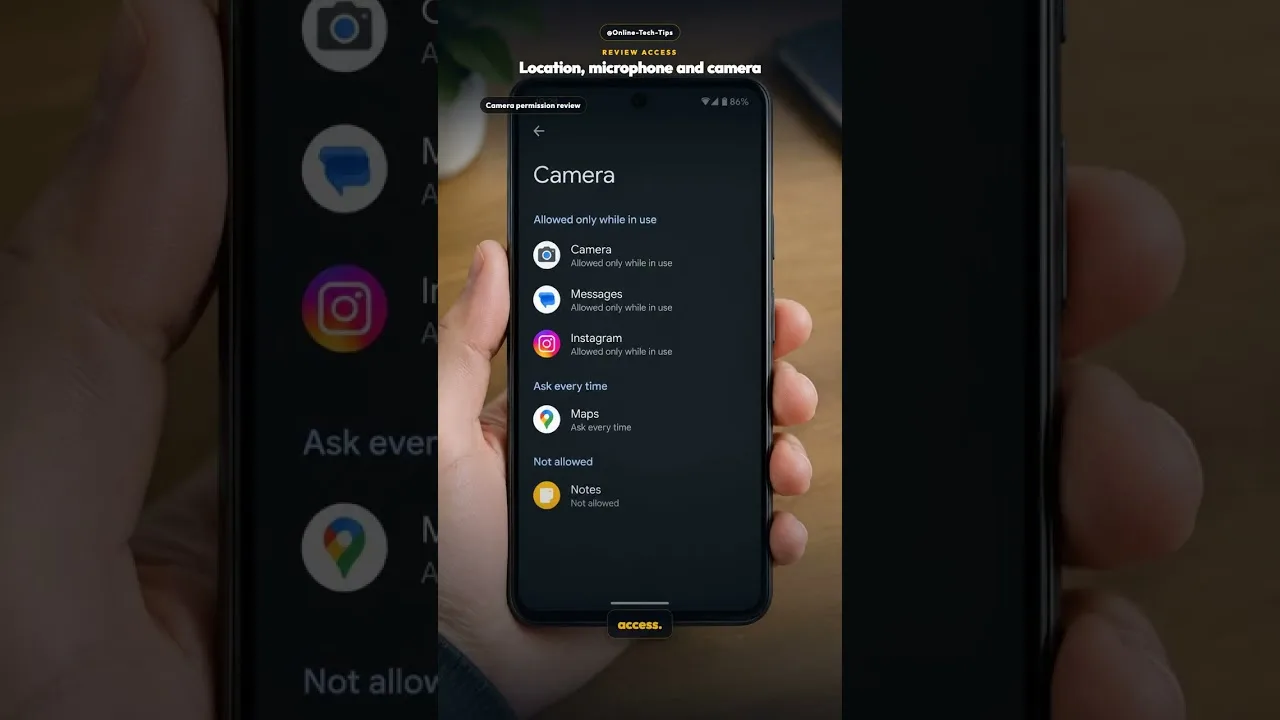
Settings, Apps, Dark Aura, Permissions recites current grants; overlay and battery exemptions reside in special-access and battery sections whose addresses wander by manufacturer. One unhurried expedition through those screens permanently converts your phone's security model from folklore into furniture.
When behaviour degrades after an update, permissions take their appointed place on the checklist beside storage and cache — our not working fixes sequence them, while installation-time prompts are narrated in our installation guide.
Final Thoughts
Overlay for the panel, storage for persistence, background life for presence — each grant a feature wearing its uniform. Granted knowingly and audited occasionally, permissions become your authority exercised with information, rather than faith extended without it.